
OnlyFans Payouts Explained: When You Get Paid and Why It Takes a Week
How OnlyFans payouts work: pending vs current balance, the 7-day hold, the $20 minimum, manual and automatic payouts, how long the money takes to arrive, and what to check when it does not.
Written by Jonathan F. Published
Every creator asks the same question in her first month: the dashboard says I earned money, so where is it? OnlyFans payouts are simple once you know the three stages the money goes through, and confusing until then.
This guide walks through those stages with the timings we see on the accounts we manage, then through the handful of reasons a payout arrives later than expected. Where we could not check something first-hand, we say so rather than guess.
In this guide
The short version
OnlyFans keeps 20% of what fans pay and credits the other 80% to your account. New earnings sit as pending for seven days, then move into your current balance, which is the part you can pay out. Once you request a payout, the money takes two to three business days to reach your bank. Put together: a tip a fan sends on the 1st can be in your bank around the 10th, give or take a weekend.
Those timings are what we see across the accounts we manage. The platform can change them, and your own statements page is the final word.
Stage 1: earnings, the number on the dashboard
Every subscription, PPV unlock and tip shows up in your statements with the gross amount and your 80% share. The platform’s 20% comes off every transaction; the fee guide walks through a $1,000 month line by line. If the dashboard totals confuse you, our guide to reading your OnlyFans earnings explains what each screen actually shows.
Stage 2: pending, the seven-day hold
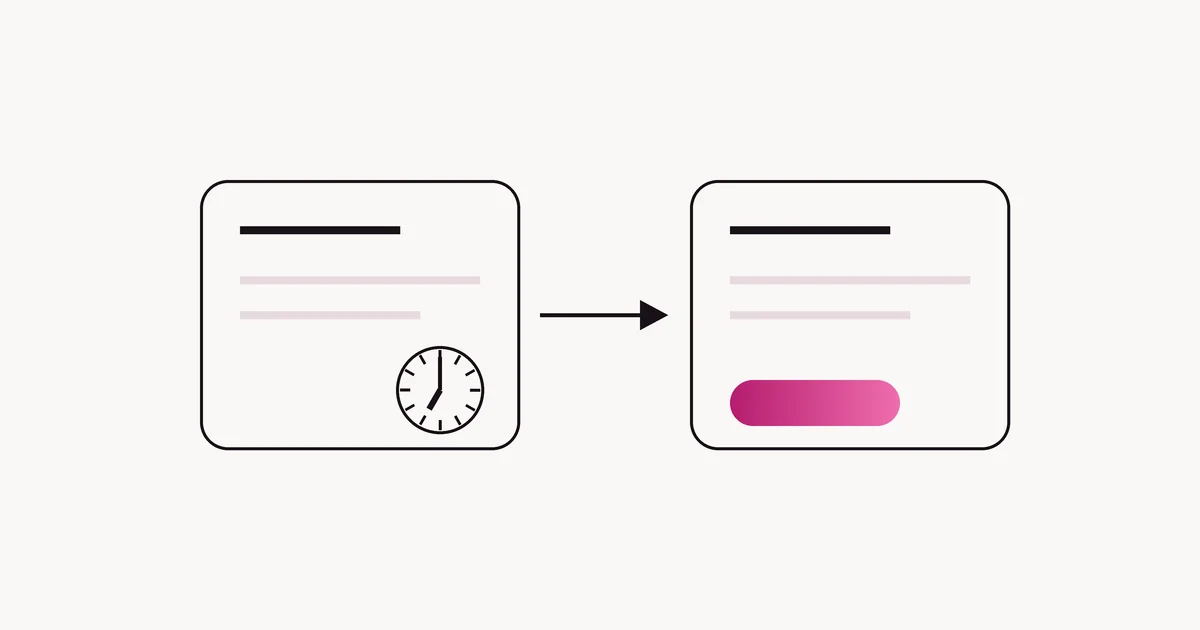
New earnings are held before you can pay them out. On the accounts we manage, the gap between pending and current is a constant seven days: whatever a fan paid today becomes available a week from today. The hold exists because payments can still be reversed. A fan’s bank can dispute a charge, and the platform needs time before the money is final.
This is why your dashboard total and your payable balance are different numbers. Nothing is missing. It is still on its way through the pending stage, and in seven days it will have moved.
Stage 3: current balance and the payout
Once earnings clear the seven days, they move to your current balance and you can pay them out.
- Minimum payout: $20. Below that, the balance simply waits until the next earnings push it over.
- Manual or automatic. You can request a payout by hand when you want it, or set payouts to run on a schedule. Which you pick is a cash-flow question, not a money question; the total is the same.
- Methods depend on your country. The list of payout methods you see is set by where your account is registered. We have not been able to verify the current list for each country first-hand, so check your own banking page rather than a forum post.
Your payout goes from the platform to your own account. That matters if you ever work with an agency: a legitimate one never asks to route payouts through itself, and we do not receive ours either. Payout skimming is one of the five patterns in our agency scams guide.
How long does an OnlyFans payout take?
Add up the stages:
- Seven days for new earnings to move from pending to current.
- Two to three business days from the payout request to the money landing in your bank, on the accounts we manage.
- Weekends and bank holidays add days at the bank stage. A payout requested on a Friday often lands midweek.
So the honest answer to “how long until I get paid?” is about ten days from the moment a fan pays, if you request the payout the day it becomes available. Automatic payouts on a fixed day can stretch that by up to a month, which is fine as long as you know it.
“Payout processed” but nothing in your bank
This is the most common worry, and it usually has a boring explanation. Work through these in order:
- Give it the full two to three business days. “Processed” means the platform has sent it, not that your bank has credited it.
- Check the bank details. A typo in an account or routing number means the payment bounces back, often days later.
- Check the name. The name on the payout account should match the name on your verified account. A mismatch can make a bank reject the transfer.
- Check for a currency conversion. If your bank account is not in the currency the platform paid, your bank converts it and may deduct a fee, so the amount received can be a little lower than the amount sent.
- Ask your bank for an incoming payment trace. If the money has left the platform and not arrived, your bank can find where it is.
- Then contact OnlyFans support with the payout date and amount.
Taxes: nothing is withheld
OnlyFans pays you the full 80%. No tax is taken out, so the tax on everything you pay out is due when you file. A habit that saves a lot of stress: move a fixed share of each payout to a separate account the day it lands. Our US tax guide covers the rest, and there are guides for the UK, Canada and Australia.
Common payout mistakes
- Treating the dashboard total as money in the bank. Pending earnings are not payable yet.
- Using someone else’s bank account. Payouts should go to an account in your own name.
- Letting anyone else control the payout settings. Your banking page should only be changed by you. If you work with an agency, keep payouts and banking with yourself; see who owns the account.
- Forgetting the tax. Every payout is taxable income, and none of it has been withheld.
If the account has grown to the point where tracking payouts, pending balances and tax set-asides is eating your week, that is usually the point where management starts to pay for itself. You keep the account and the payouts either way; apply and a manager will look at your numbers with you.
Questions creators ask
When does OnlyFans pay out?
When you request a payout, or on your automatic schedule if you set one. Earnings first spend seven days as pending before they move to your current balance and can be paid out.
What is the minimum payout on OnlyFans?
$20. Below that, your current balance waits until new earnings push it over.
How long does an OnlyFans payout take to reach my bank?
On the accounts we manage, two to three business days after the payout request. Weekends and bank holidays add time.
Why is my OnlyFans money still pending?
New earnings are held for seven days before they can be paid out, because payments can still be reversed. The money is yours; it has not cleared yet.
Does my agency get my payouts?
It should not. Payouts go from the platform straight to your account. If an agency asks to receive your payouts, treat it as a red flag.
Want this handled for you?
Apply in two minutes and we will tell you exactly what we would change on your account.
See if you qualify